
Device one-button alarm function demonstrates the entire process: one-button activation, real-time response, and full traceability
2026-10-300 views
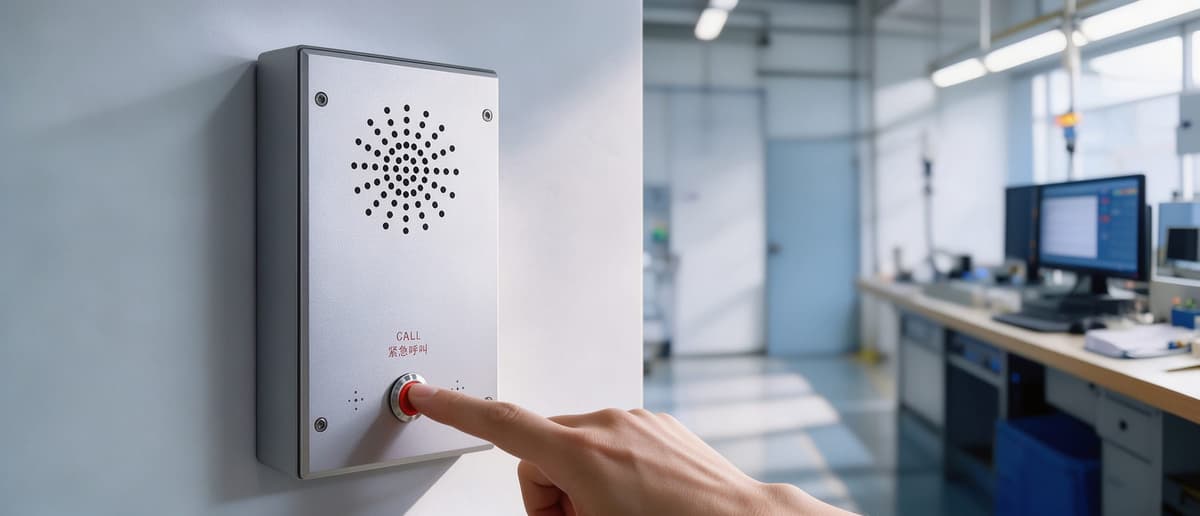
One-button activation, real-time alarm information transmission
In case of an emergency, on-site personnel only need to press the alarm button on the device to initiate a request for help without any additional actions. Upon button activation, the server management software will receive the alarm information in real-time. The status of the alarm record in the list will display as 'Waiting for Processing', and the device's indicator light will turn orange, alerting the background personnel to intervene promptly.
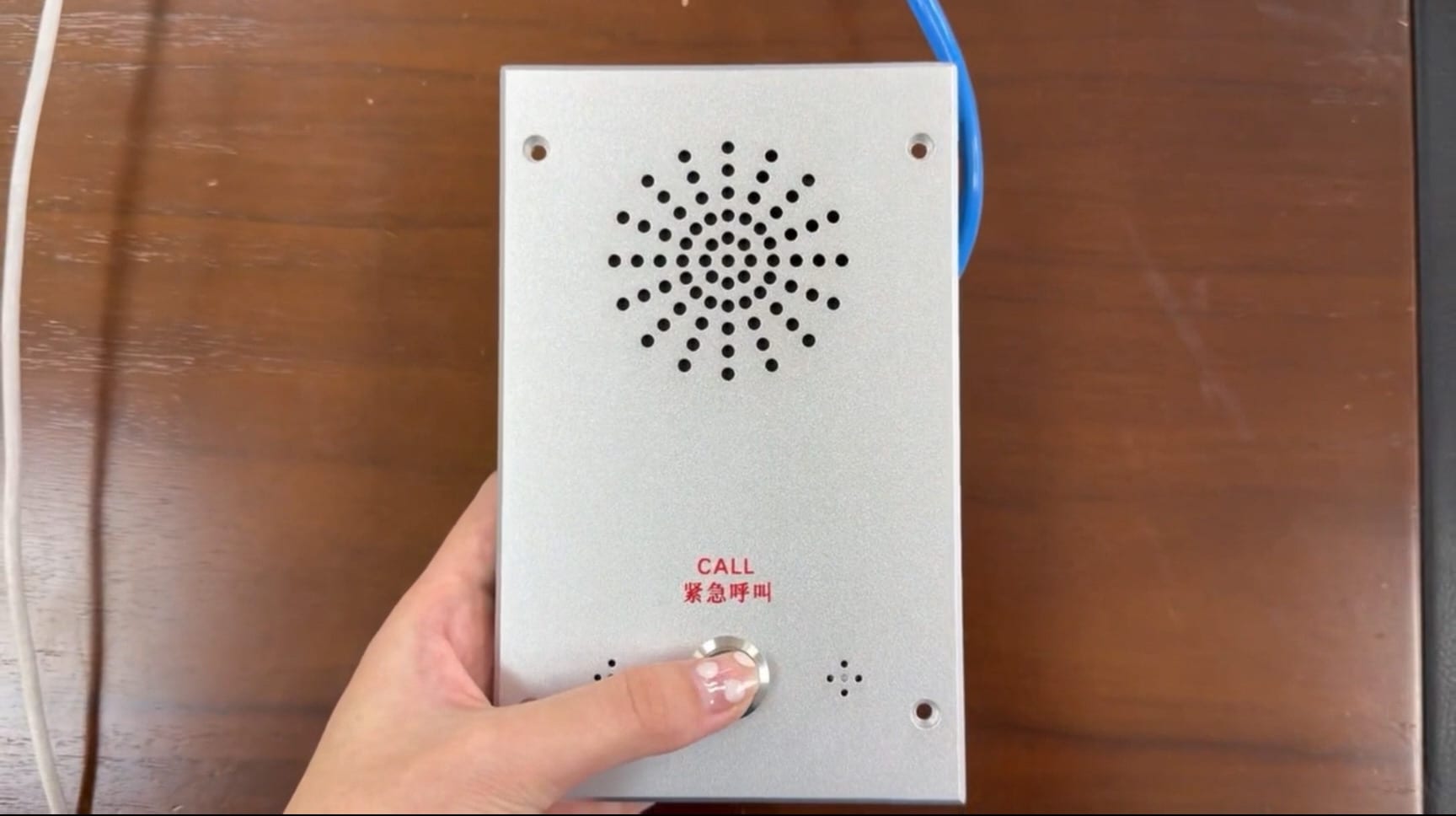
## Double-click to connect, with status and indicator light changing in sync
Background personnel can establish a call with the device by double-clicking on the corresponding alarm record in the management software. After a successful connection, the alarm status changes from 'Waiting for Processing' to 'Processing', and the device's indicator light changes from orange to blue. The status displayed on the software interface matches the device's hardware indicator light, facilitating unified understanding of the current processing progress by both the background and on-site teams and reducing the risk of missed calls or misjudgments.
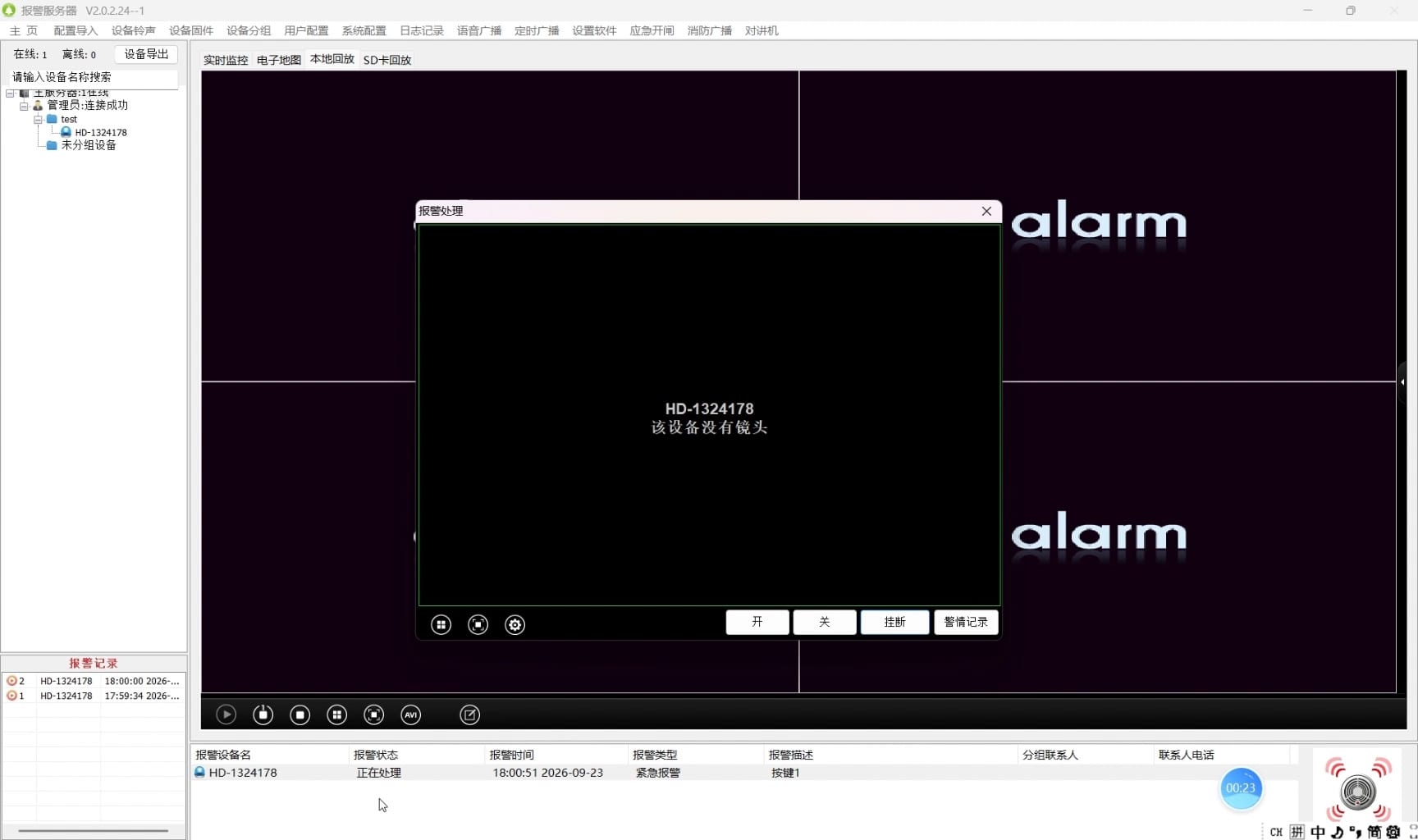
## Hang up to archive, with normal alarm records generated automatically
Once the call is completed, the personnel can end the call by hanging up. After the call, the management software will automatically generate a normal alarm record at the bottom left corner, capturing the entire process from activation to completion, making it easy for subsequent review, analysis, and accountability without the need for manual registration.
## Unanswered calls are also recorded
If the background does not answer the call in time, the system will automatically create an unanswered alarm record. This mechanism ensures that even if a call is not established, the alarm event is still fully documented, preventing lack of evidence in case of missed responses and providing a basis for duty scheduling, event analysis, and responsibility determination.
## Function summary
The device one-button alarm function forms a complete chain of 'one-button activation at the site – real-time reception by the platform – dual-click connection by the background personnel – automatic archiving upon hang-up – simultaneous recording of unanswered calls'. The entire process is simple to operate, with clear status indicators and traceable records, making it suitable for emergency assistance scenarios that require rapid response and post-event documentation in schools, parks, factories, hospitals, and other settings.
In the future, this function will continue to be optimized based on actual deployment feedback, improving the interaction details and platform integration to further enhance the speed and reliability of emergency response.