
Complete end-to-end demonstration of the device one-click alarm function: one-click trigger, real-time response, and full-process traceability
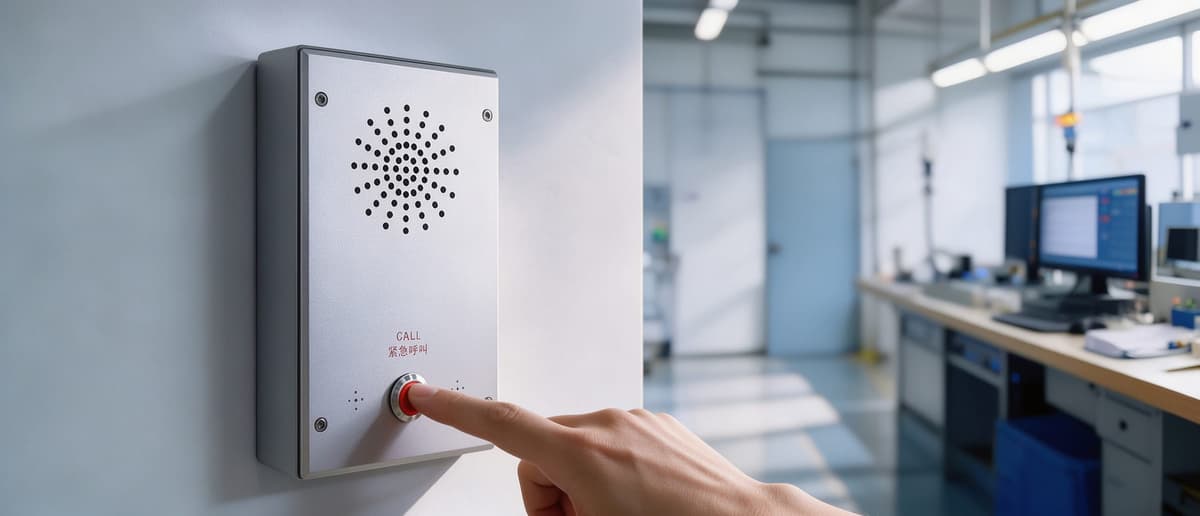
One-click trigger, alarm information uploaded in real time
In emergency situations, on-site personnel only need to press the alarm button on the device to initiate a help request, with no additional operations required. After the button is triggered, the server management software will receive alarm information from the device in real time. In the alarm list, the status of this record is displayed as “Waiting for processing”, and the device indicator light turns orange, prompting the backend duty personnel to intervene promptly.
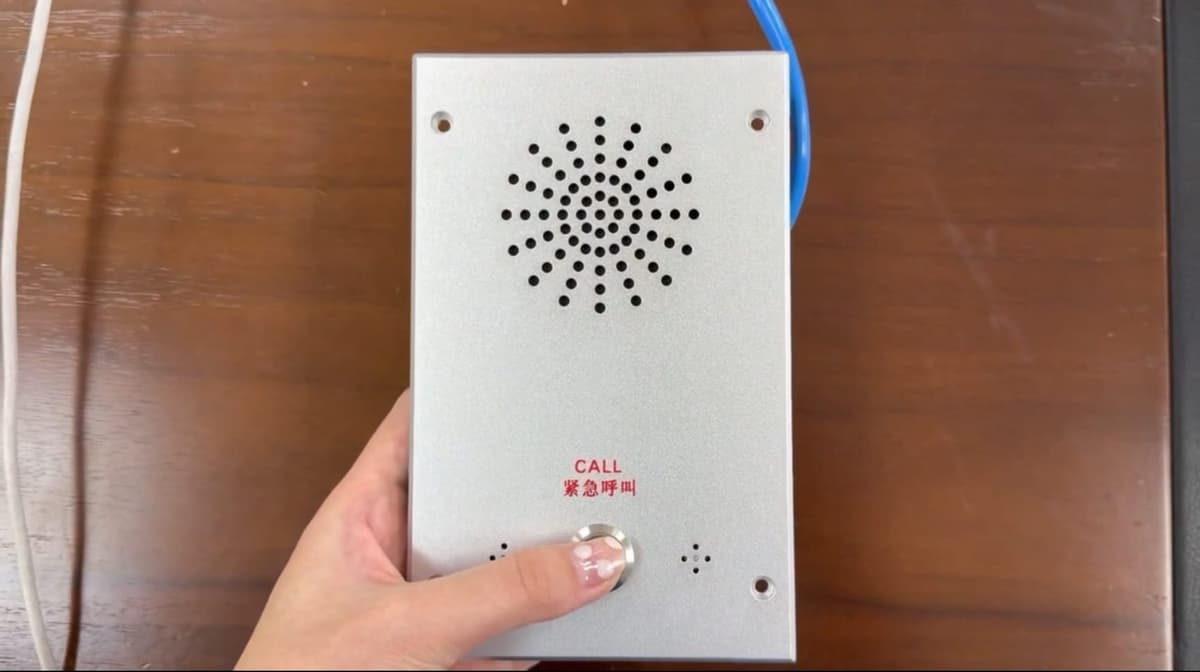
Double-click to connect, status and indicator light switch synchronously
In the alarm list of the management software, backend duty personnel can double-click the corresponding alarm information to establish a call with the device. After successful connection, the alarm status updates from “Waiting for processing” to “Processing”, and the device indicator light switches synchronously from orange to blue. The software interface status remains consistent with the device hardware indicator light, helping both the backend and on-site sides form a unified judgment of the current processing progress and reducing the risk of missed connections and misjudgments.
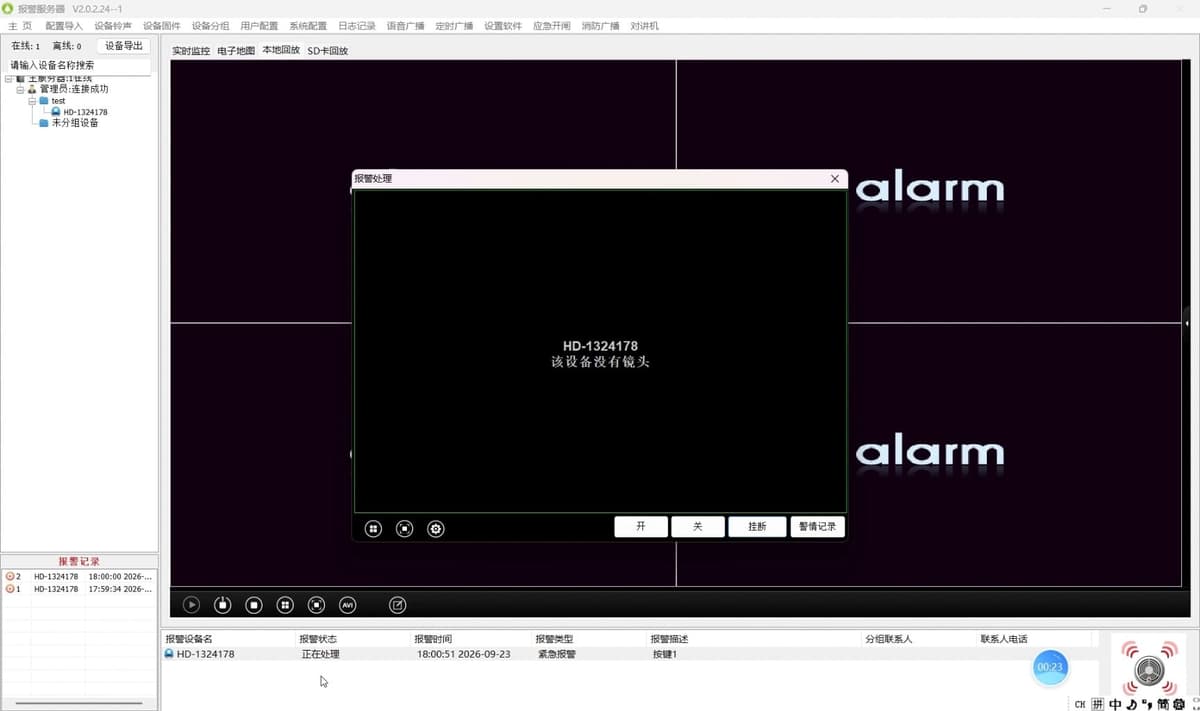
Hang up and archive, normal alarm records automatically generated
After the call is handled, duty personnel can click hang up to end the call. After the call ends, a normal alarm record will be automatically generated in the lower-left corner of the management software, fully retaining the process of this alarm from trigger to completion of processing, making it convenient for later review, retrospective analysis, and responsibility tracing without manual separate registration.
Missed calls leave traces, call records are also queryable
For situations where a call is initiated on site but the backend does not answer in time, the system will automatically generate a missed alarm record. This mechanism ensures that even if the call is not connected, the alarm event itself is still fully recorded, avoiding the situation where an event cannot be verified due to a missed call, and providing a data basis for duty scheduling, incident review, and responsibility determination.
Function summary
From the demonstration process, the device one-click alarm function forms a complete chain of “on-site one-click trigger—platform real-time reception—duty personnel double-click connection—automatic archiving upon hang-up—synchronous trace retention for missed calls”. The entire process is simple to operate, intuitive in status, and traceable in records, and is suitable for emergency help scenarios requiring rapid response and post-event trace retention, such as campuses, industrial parks, factory areas, and hospitals.
Subsequently, this function will continue to optimize interaction details and platform linkage capabilities based on actual deployment feedback, further improving the response speed and processing reliability of emergency events.